Stacking agent development environment · Apache 2.0

One workspace per agent. Rebased when main moves.

Open a Git repo and give each agent an isolated checkout. When the target branch moves, Treq rebases the dependent workspaces.

Available for

Works with Claude Code, Codex, Cursor, Copilot, Devin and Gemini

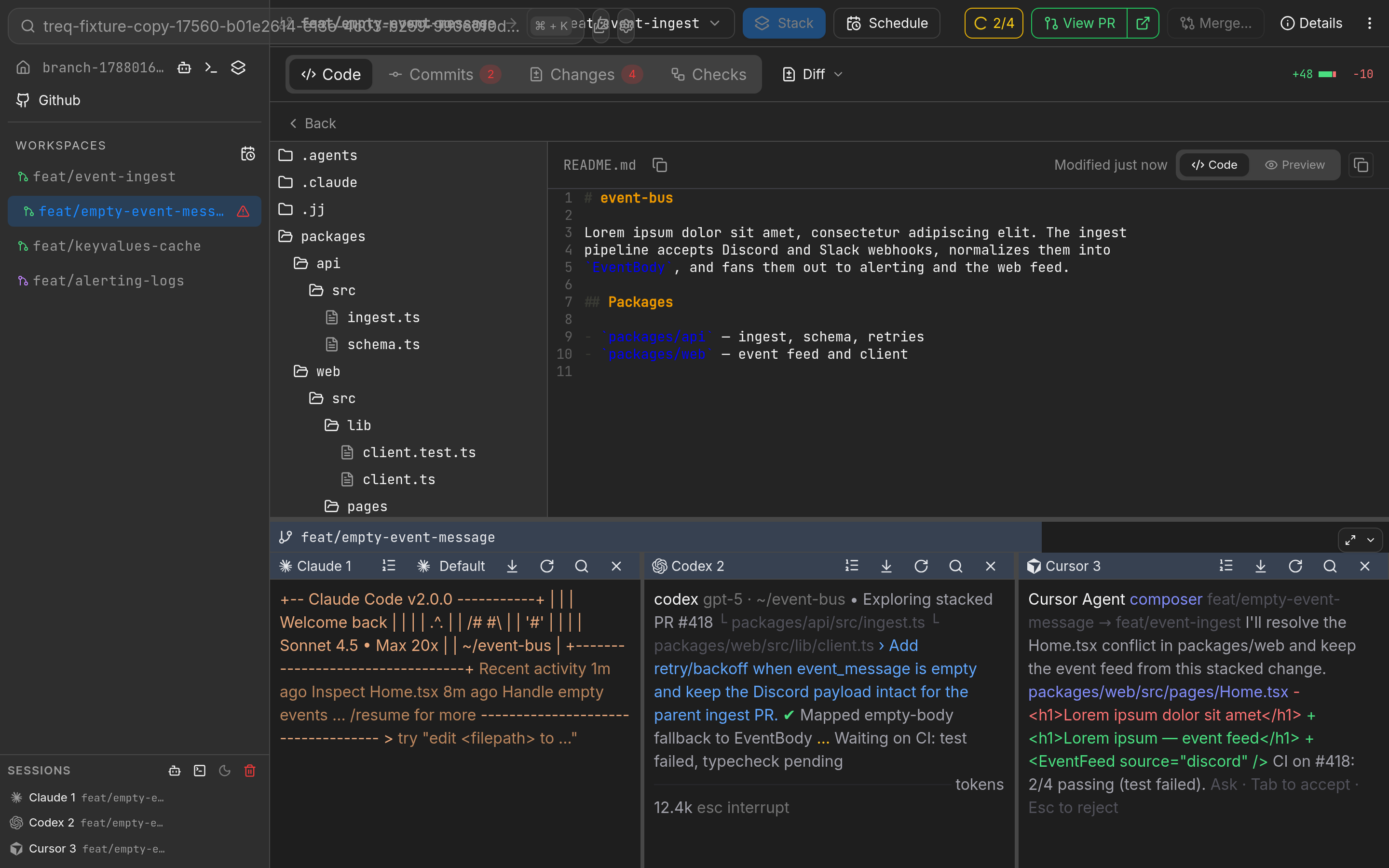
Treq with the feat/empty-event-message workspace open: its stack on feat/event-ingest, the commit list and two agent terminals

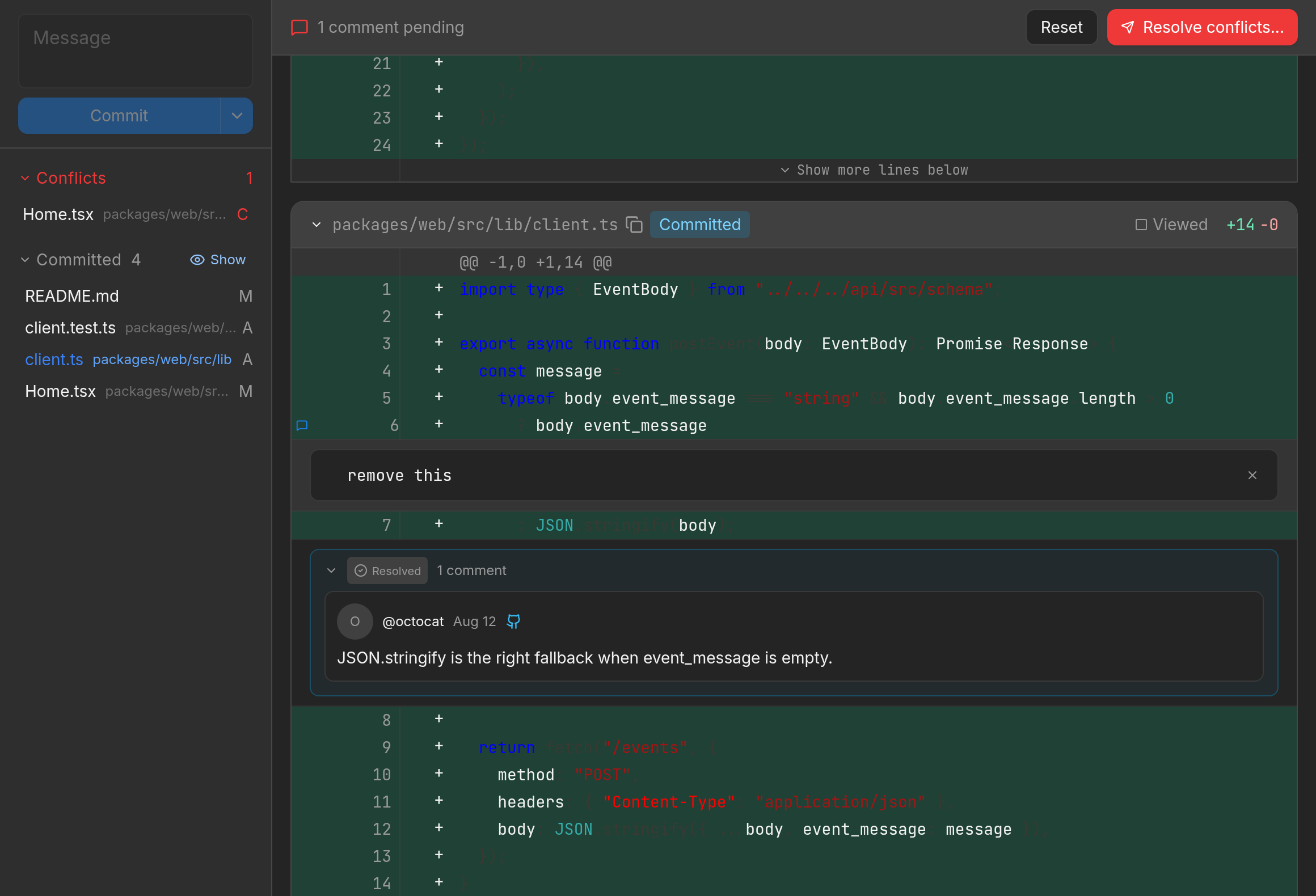
Read the whole change, or one commit, on the same screen

File navigation, the diff and inline comments stay together. Line comments stay local. Send them to an agent as Plan or Edit.

Changes and reviews
Treq Changes tab with a resolved GitHub review thread and a local comment that says remove this

When the target branch moves, dependent workspaces rebase

Git worktrees cannot restack a chain of branches for you. Treq uses Jujutsu for that rebase. You still push and pull with Git, and you never have to learn Jujutsu.

How workspaces work
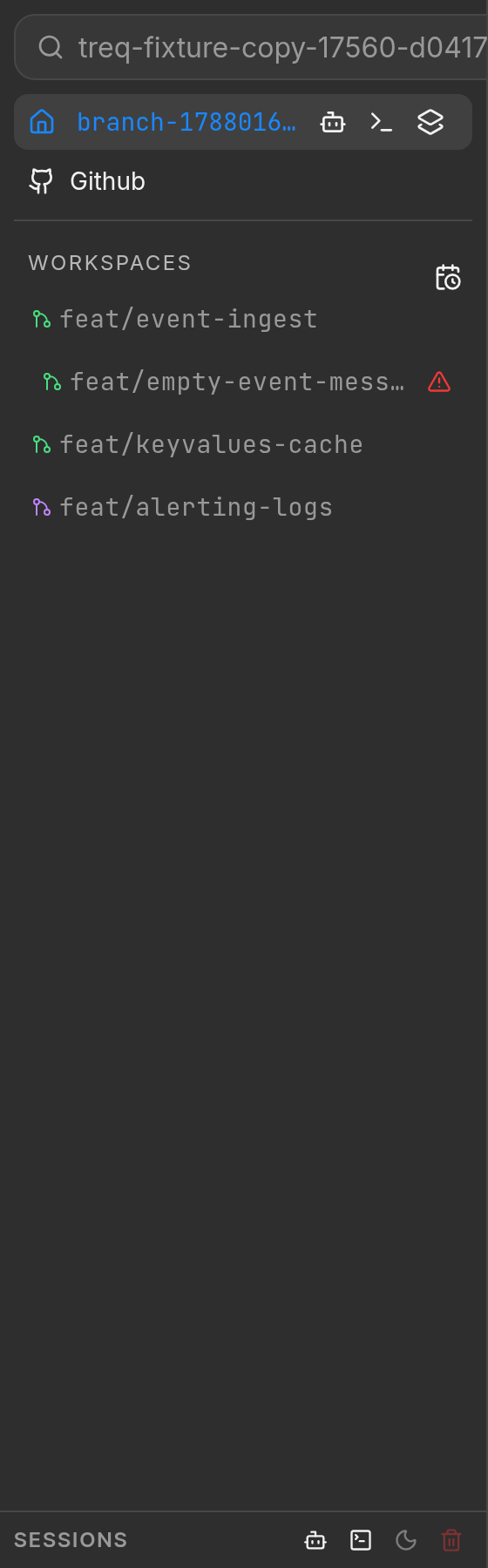
feat/event-ingestfeat/keyvalues-cachefeat/alerting-logsold tipmain
Three workspaces target main. They follow it to the new tip.
Sidebar showing stacked workspace hierarchy

Delegate workspaces. Let agents move work and start more agents.

Agents run the same treq commands you do. Ask in plain words and the workspaces appear in the sidebar.

Agents start more agents

Tell one agent to split the work across three agents in three workspaces. Each agent gets its own checkout and can keep going in parallel.
Move changes between workspaces

Agents can move commits, working-copy files and hunks through the treq CLI, then continue the fix in the new workspace.

Break up a large workspace

Tell an agent to break this workspace into smaller stacked or separate workspaces. Each slice gets its own checkout.

The constraints that stay on your machine

Local

Diffs, comments and terminal metadata stay on your machine. The desktop app does not upload your code.

Apache 2.0

The desktop app is open source. You can read every command it runs.

Git compatible

Jujutsu under the hood. Treq uses the jj-lib Rust crate to rebase workspace branches when their targets move.

Cross-platform

Desktop builds for macOS, Windows and Linux ship on GitHub Releases. Open a Git repository you already have.

No telemetry

The app does not send feature usage, crash reports or performance metrics. Docs-site analytics is separate.

An uncommitted change in one workspace never shows up in another

Agents write in parallel without sharing your main checkout. Two workspaces, two different edits, no overlap.

Isolated workspaces
feat/keyvalues-cache
Changes in feat/keyvalues-cache with an uncommitted cache.ts edit
feat/empty-event-message
Changes in feat/empty-event-message with a different uncommitted edit

Conflicts, the agent CLI, files and GitHub, next to the workspace

The rest of the work stays in the same window as the diff.

Read the docs
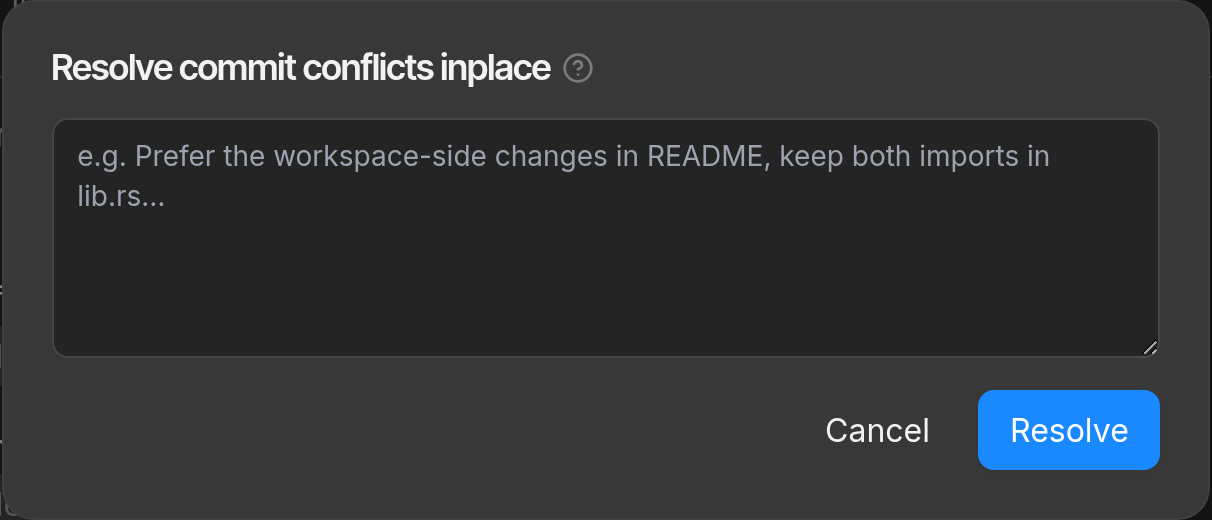
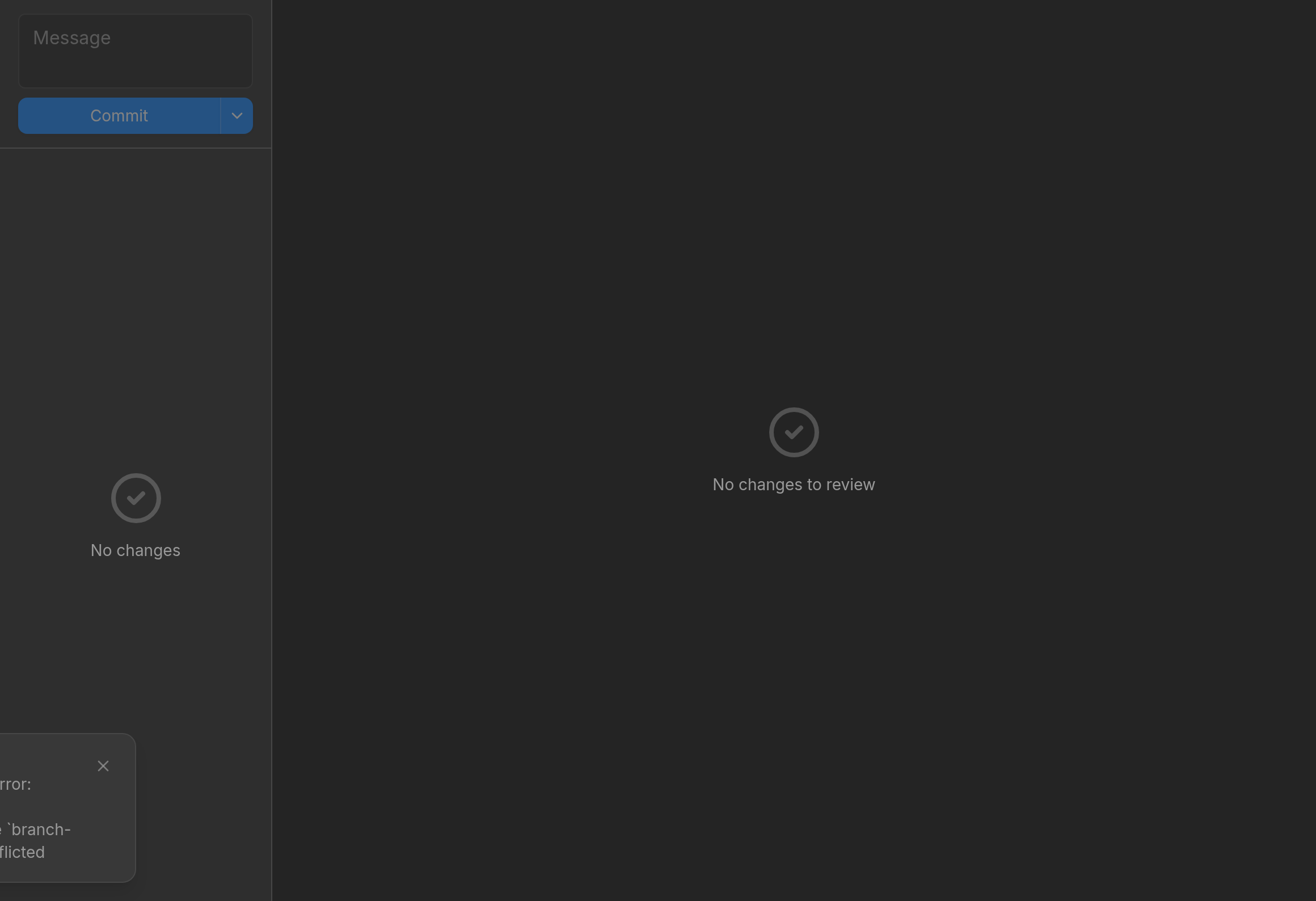
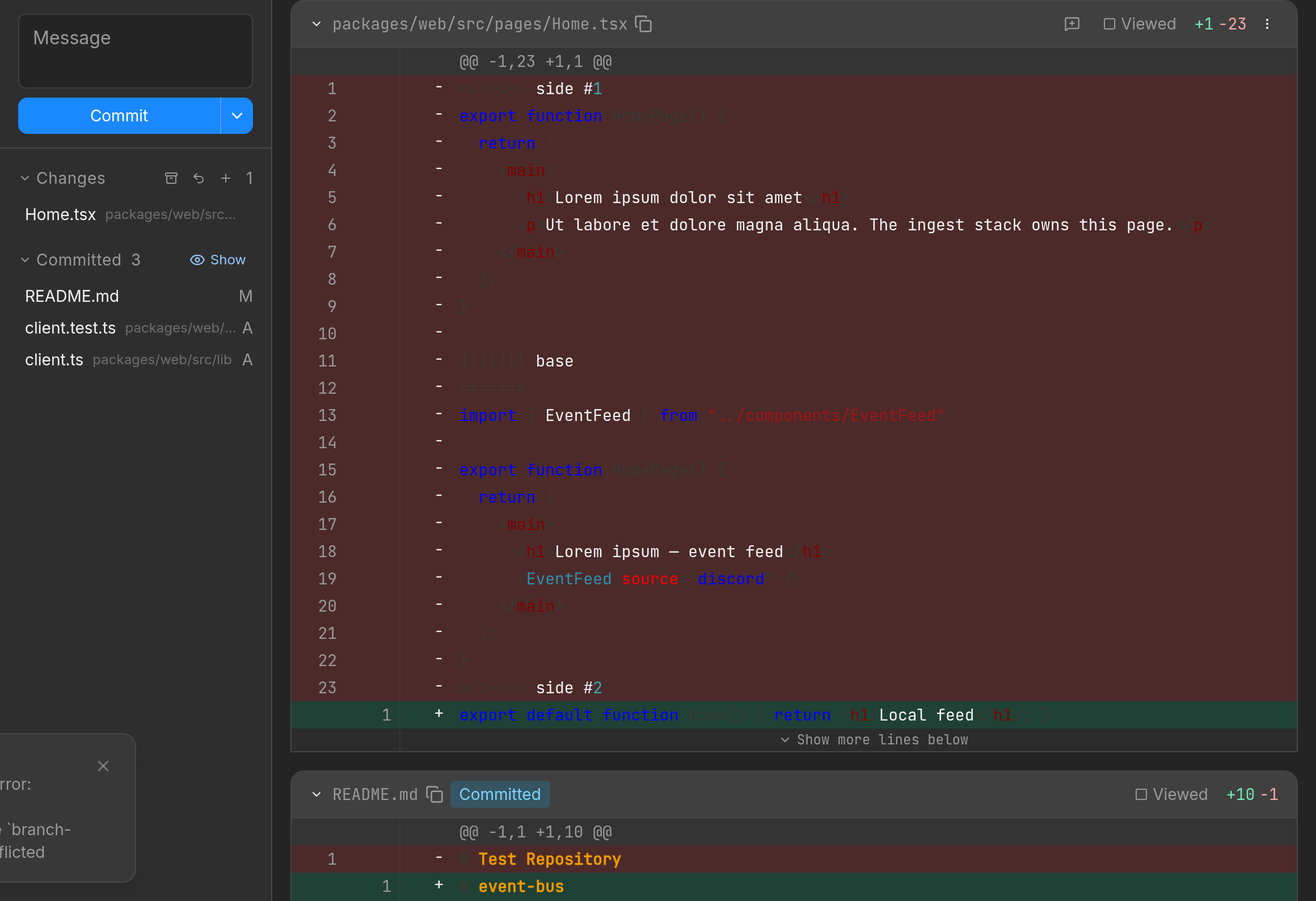
Resolve commit conflicts in place dialog

Conflict resolution

Send a conflict to an agent from Changes with Plan or Edit. On the Commits tab, Resolve conflicts starts an agent that rewrites the conflicted commit in place.

Agent CLI

Workspace management can be delegated to agents through the treq CLI. Ask an agent to create a workspace for this fix and it runs the same commands you would.

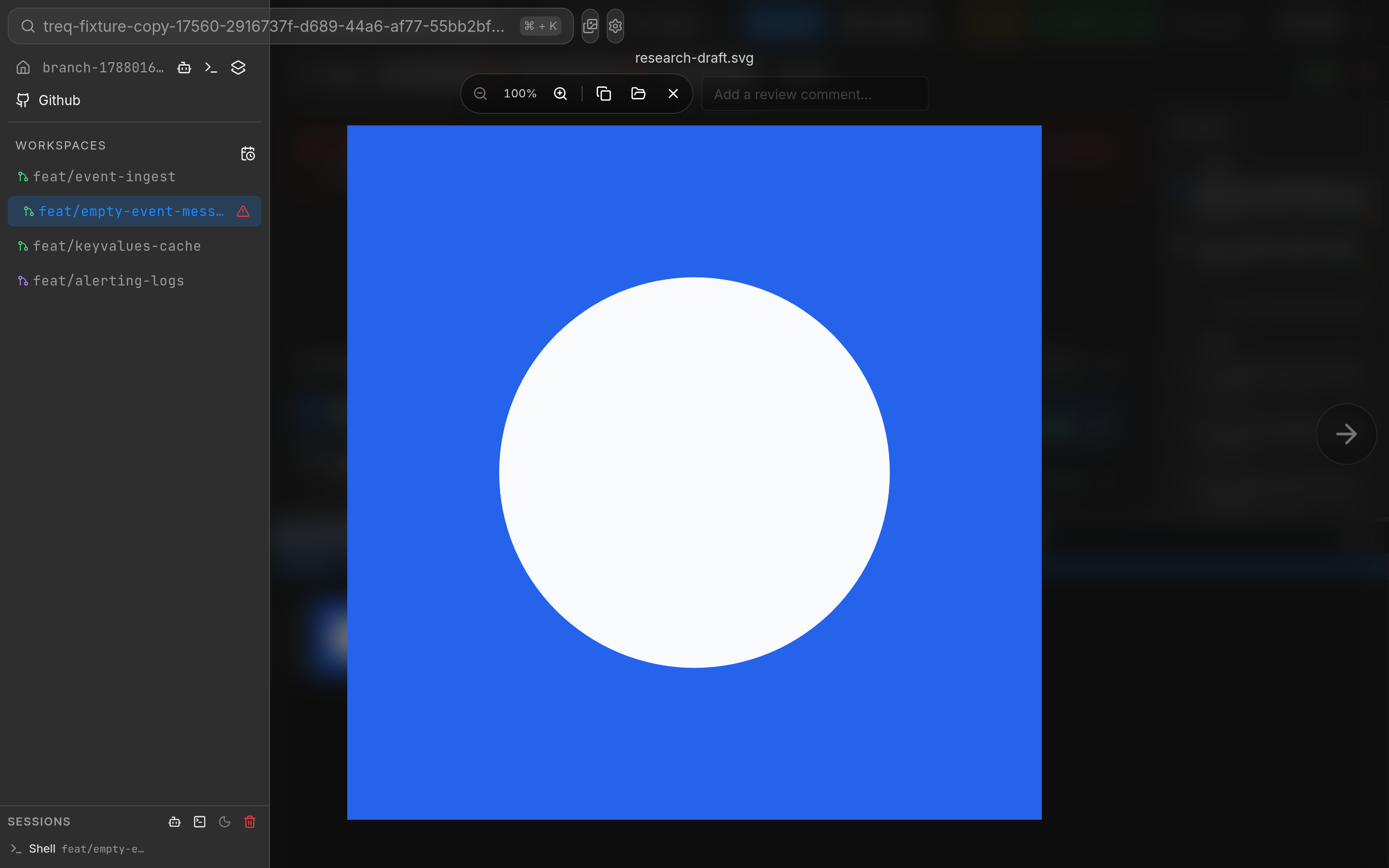
Asset lightbox open after clicking the thumbnail

Send files from the agent

Tell an agent to send you the screenshots and the updated research draft. A thumbnail lands in that terminal. Click it to open the file.

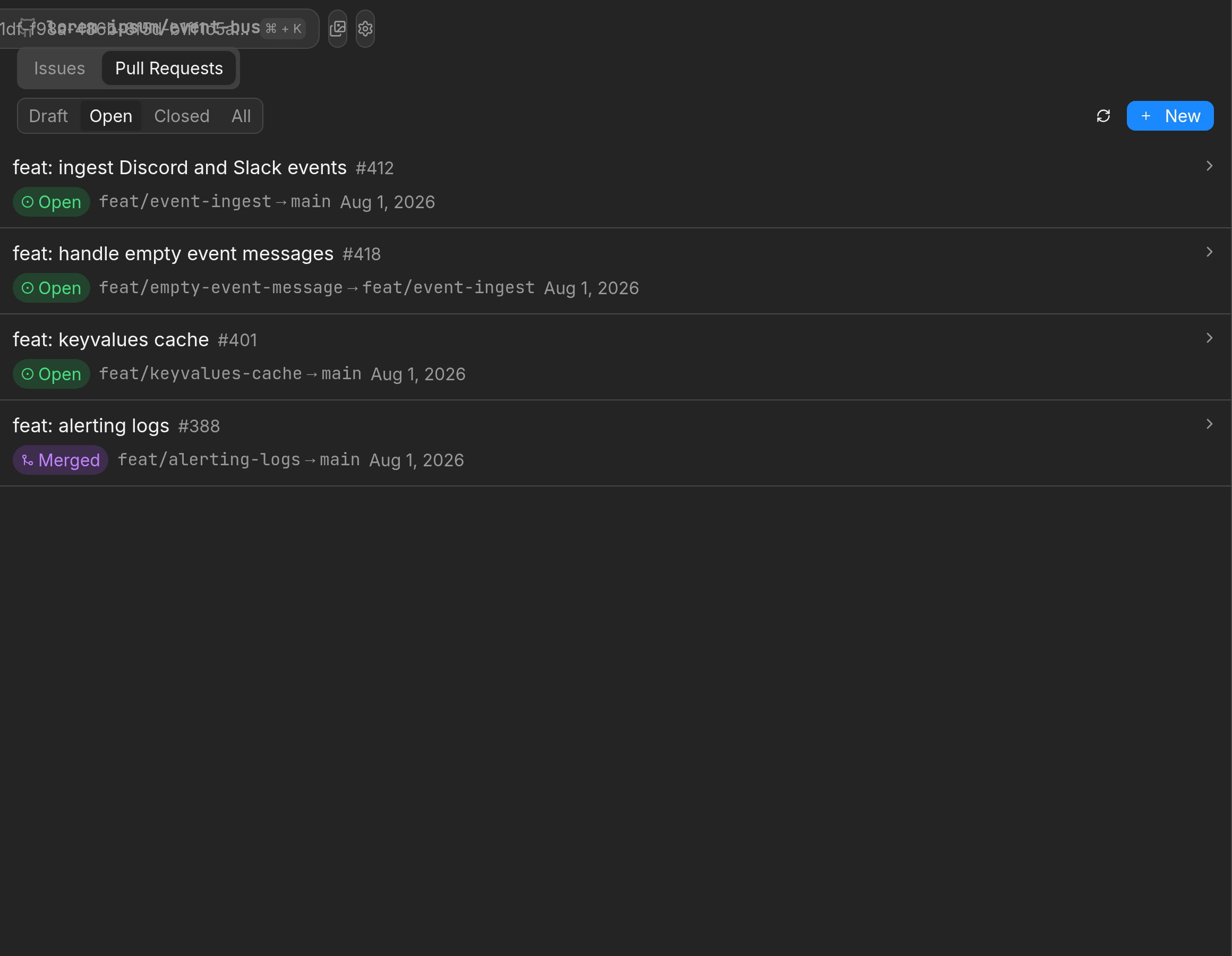
GitHub pull request list in Treq

GitHub issues and pull requests

Manage issues and pull requests in the app. Start an agent from an issue. CI for the branch stays next to the workspace.

Download Treq.

The desktop app is Apache 2.0. Treq was used to build Treq.

Download Treq